

Binance Sign-Up Guide
Follow the steps below to register easily
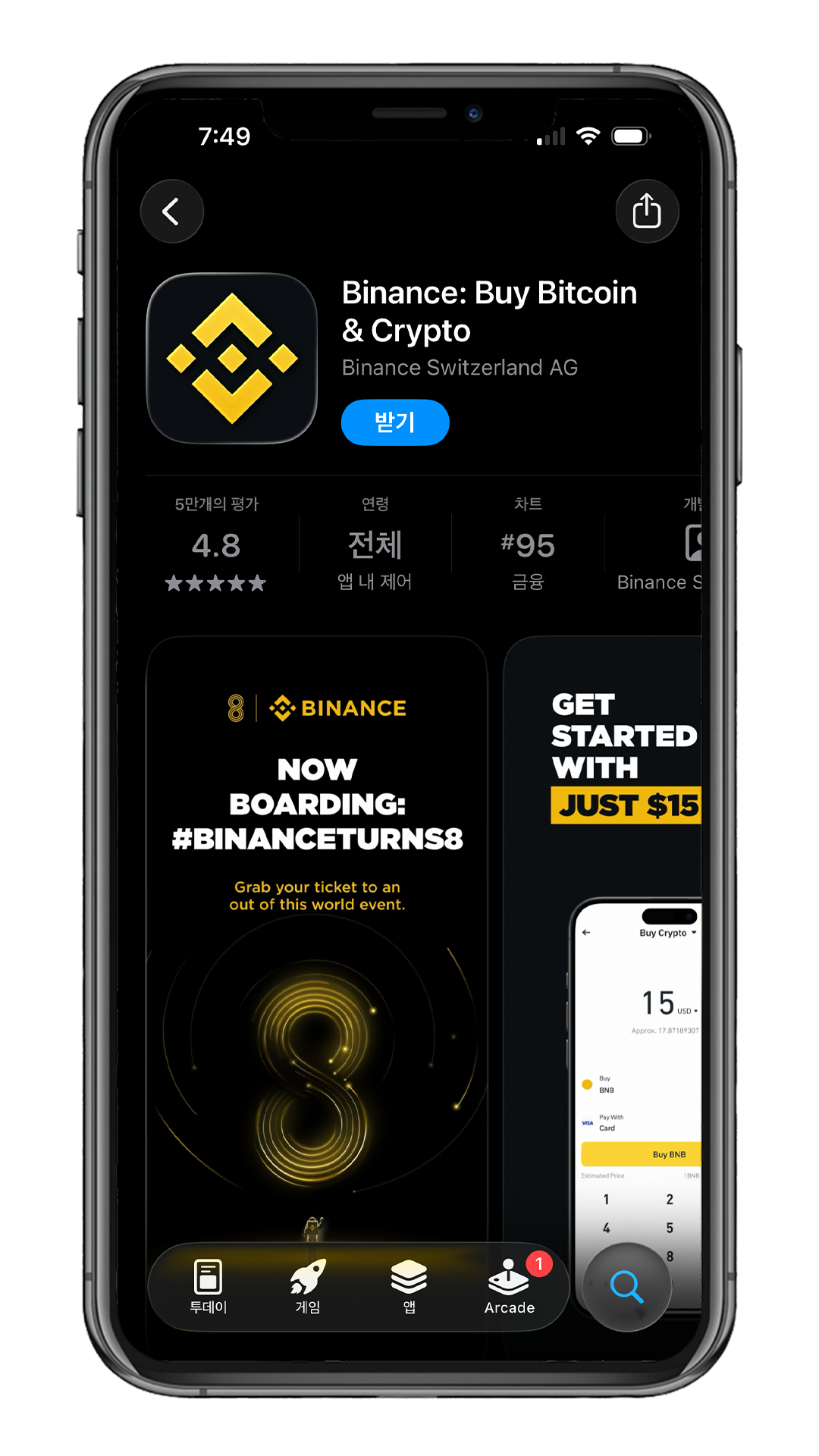
Download the Binance App
Search for Binance on the App Store (iOS) or Google Play (Android)
and download the official app.
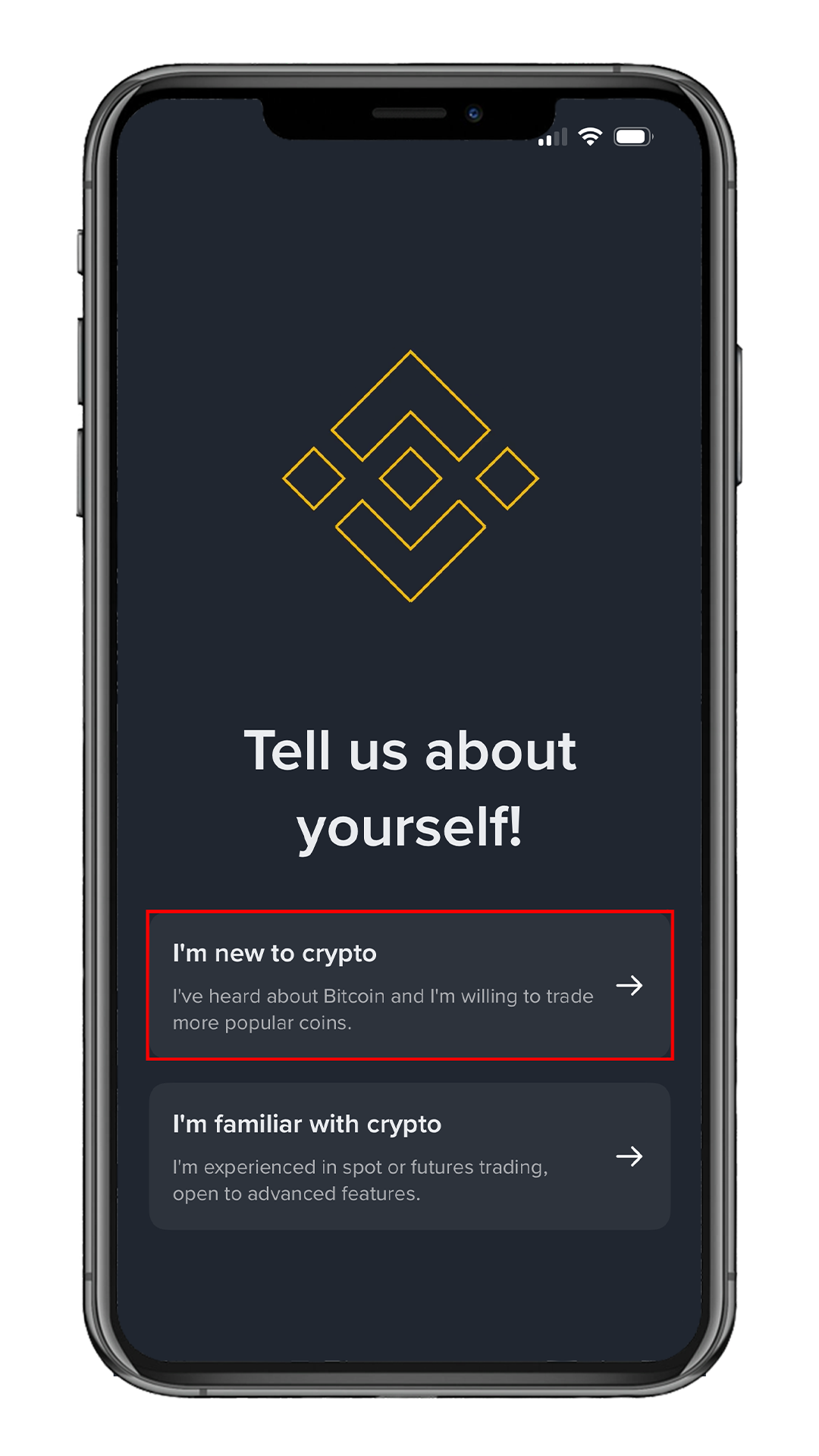
Choose Experience Level
On the "Tell us about yourself" screen, select
I'm new to crypto.
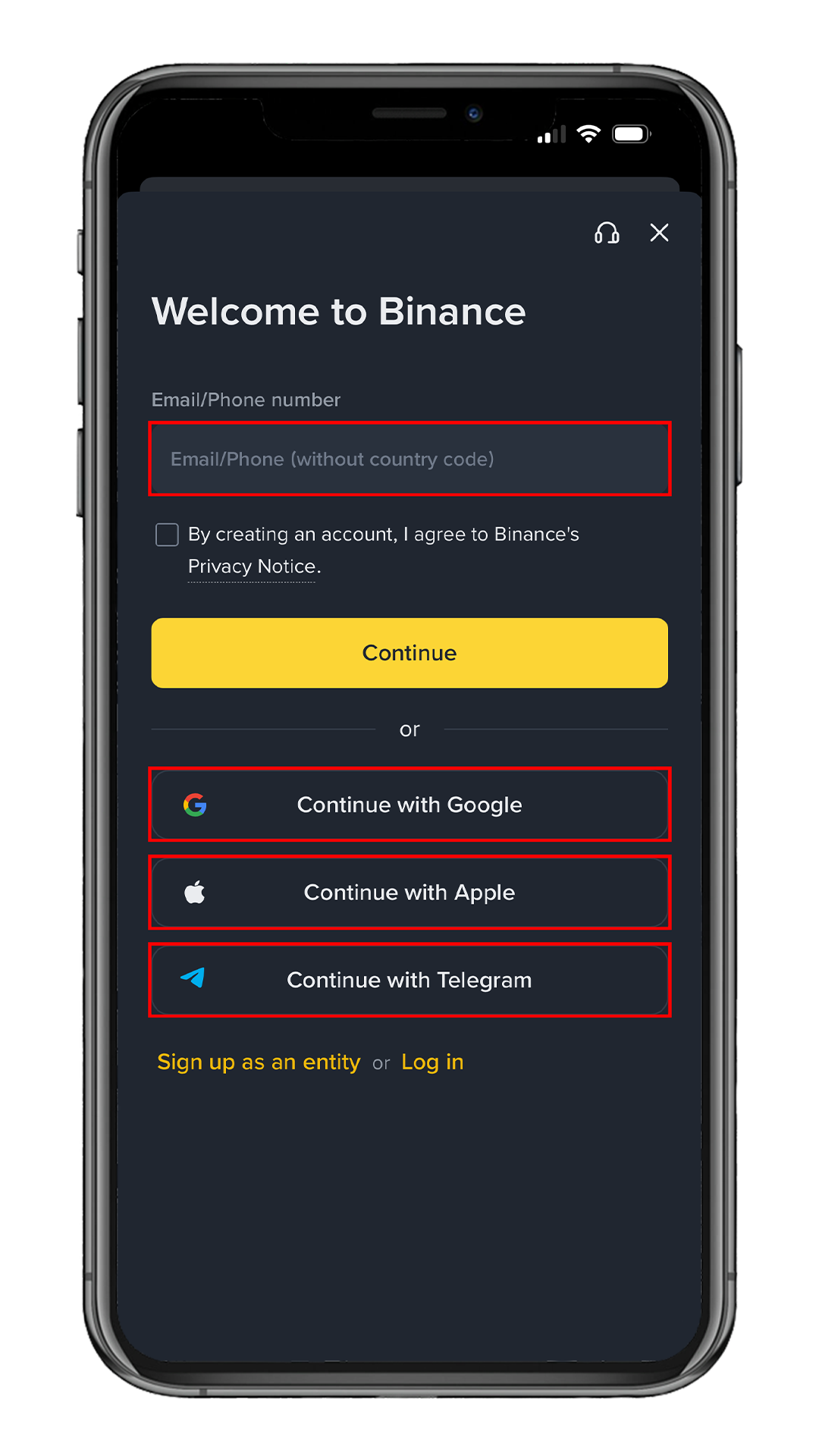
Sign Up with Email or Social Account
Enter your email or phone number,
or register via Google · Apple · Telegram.
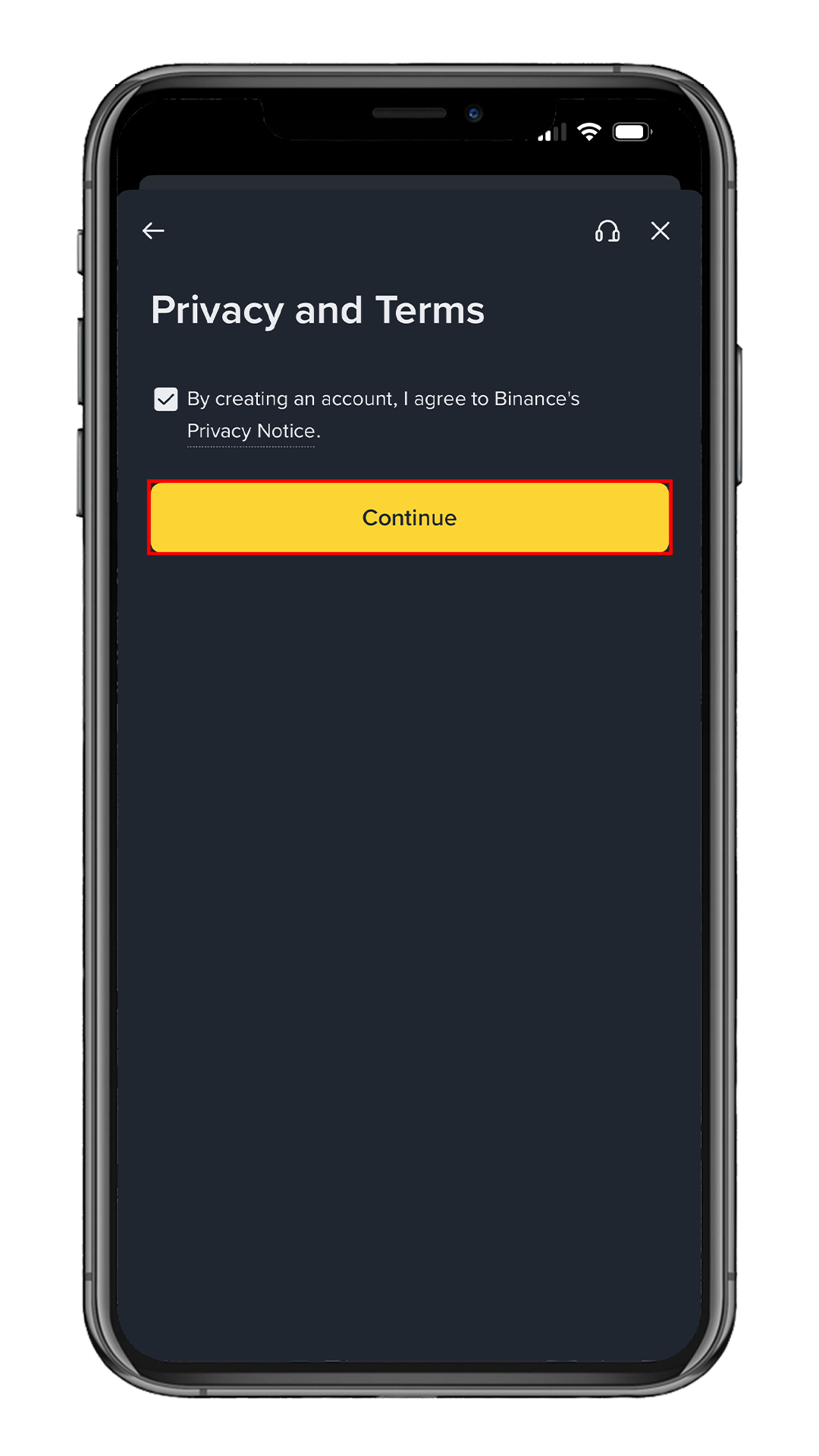
Agree to Privacy & Terms
Check the consent box on the Privacy and Terms screen
and tap Continue.
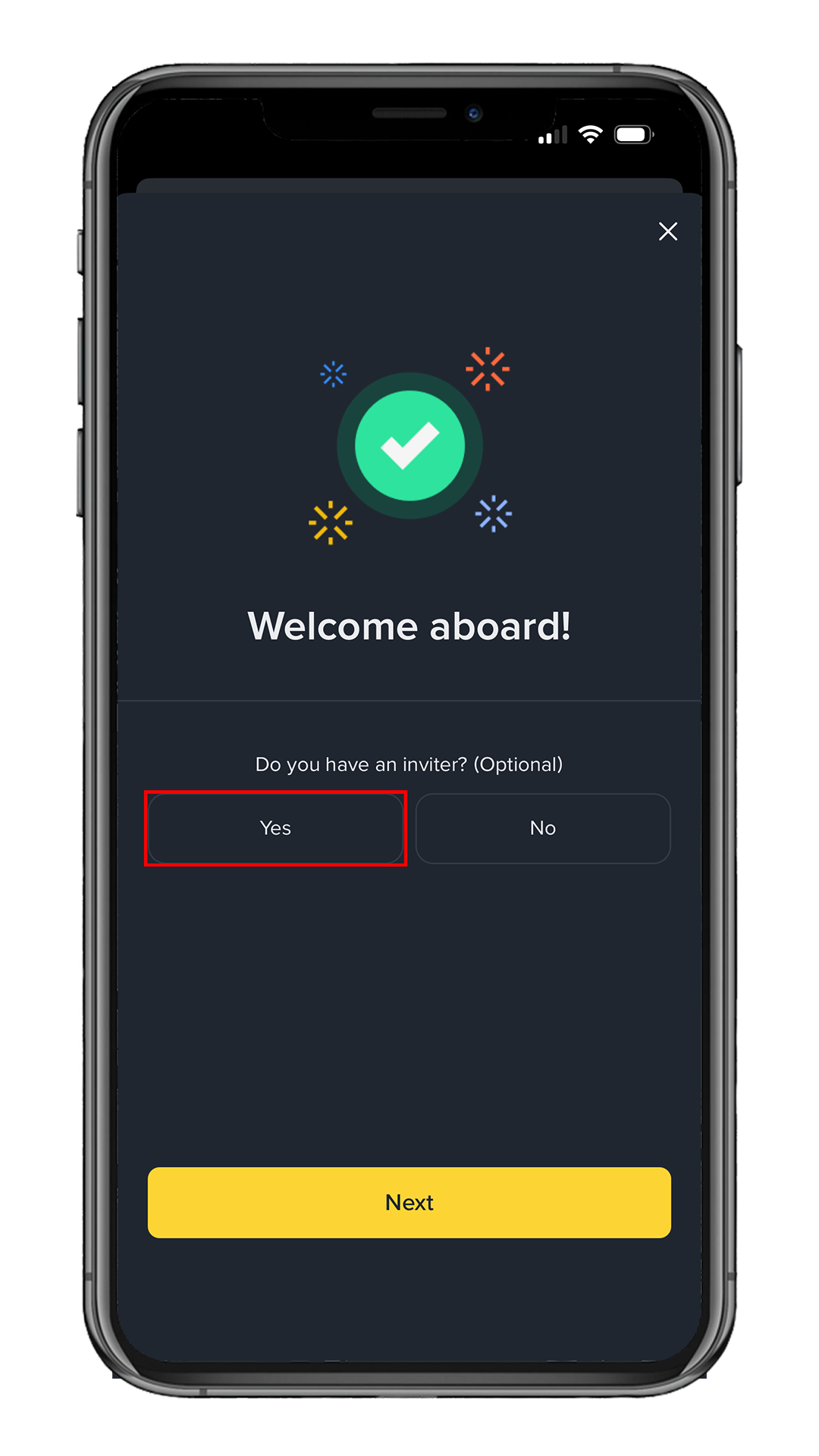
Tap "Yes" to Claim Your Discount
On the "Welcome aboard!" screen, to receive your fee discount,
tap Yes when asked "Do you have an inviter?"
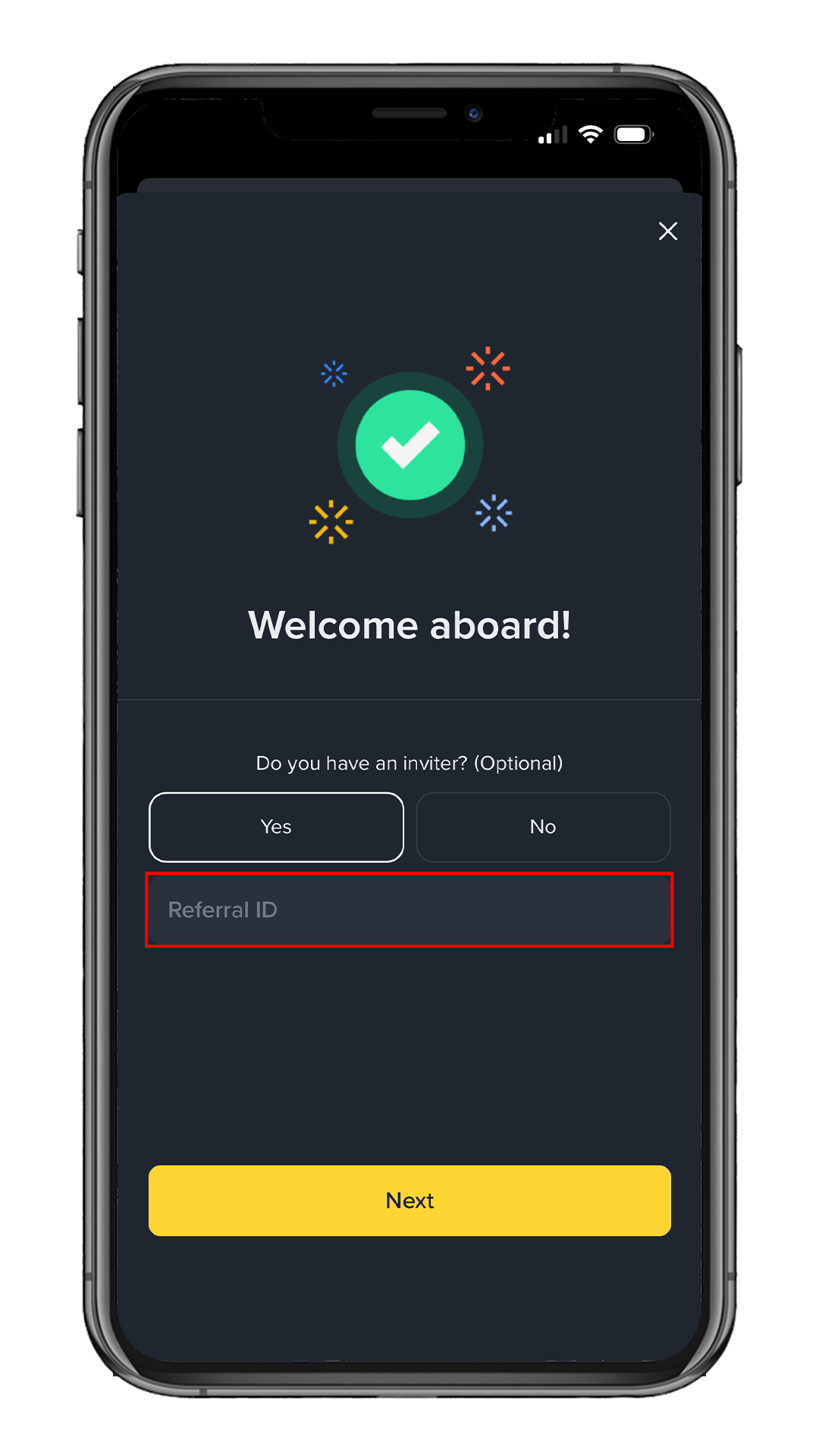
Locate the Referral ID Field
After selecting Yes, the
Referral ID field will appear below.
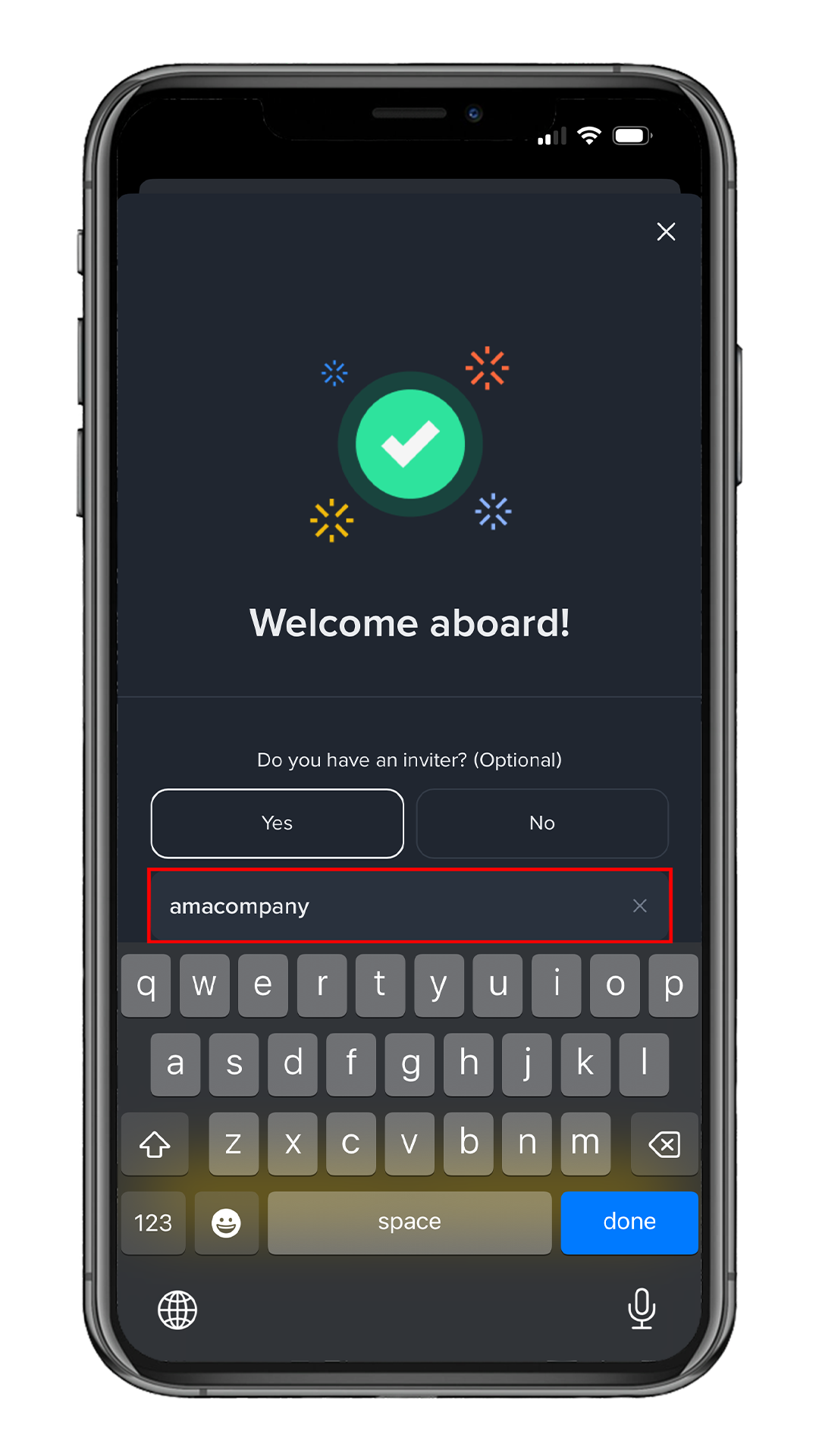
Enter Referral Code
Enter AMACOMPANY in the Referral ID field,
then tap Next.
Enter the referral code to enjoy permanent trading fee cashback.
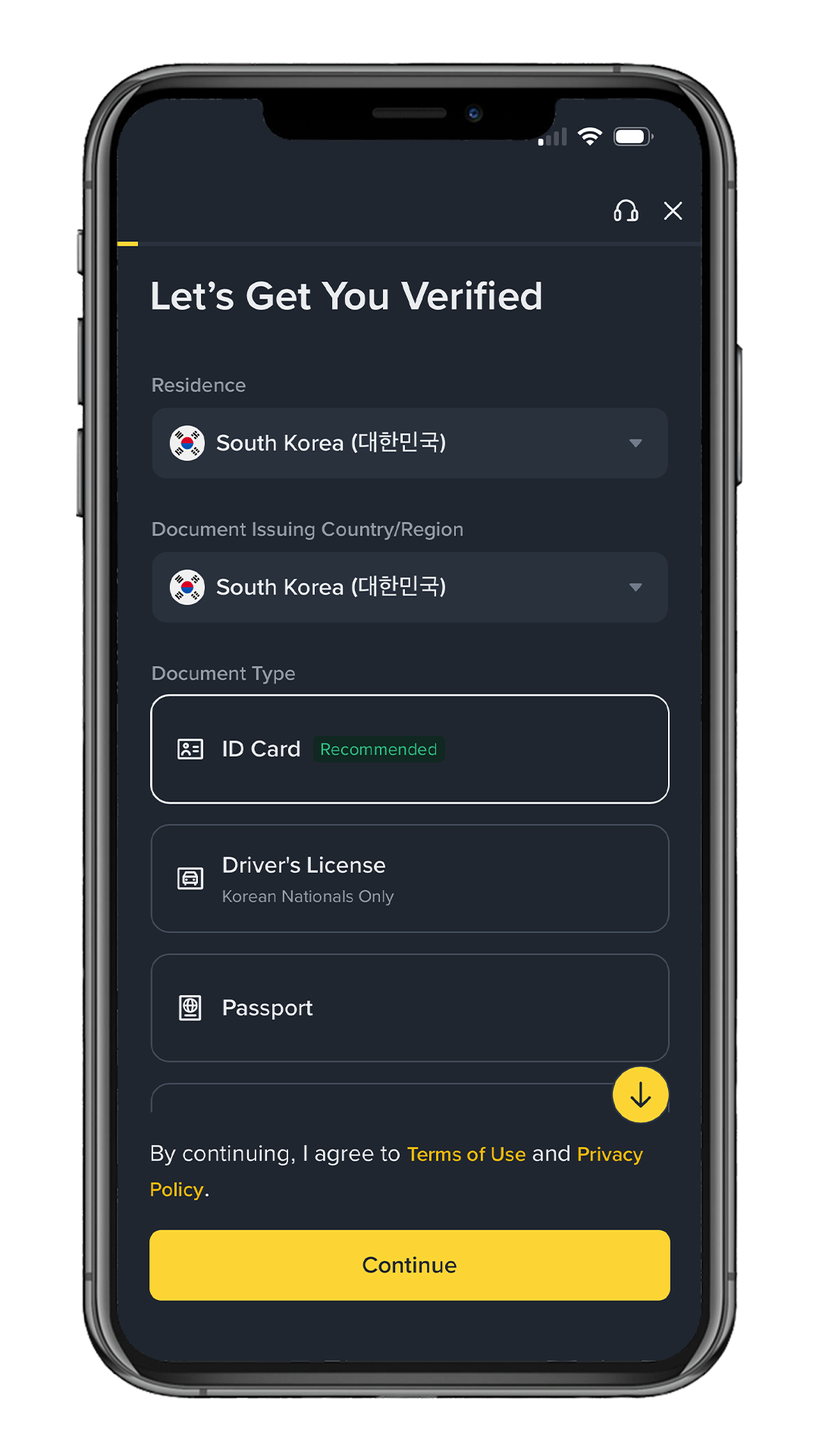
Identity Verification (KYC)
Select your country of residence and ID type, then complete verification.
• Passport
• Driver's License
• National ID Card
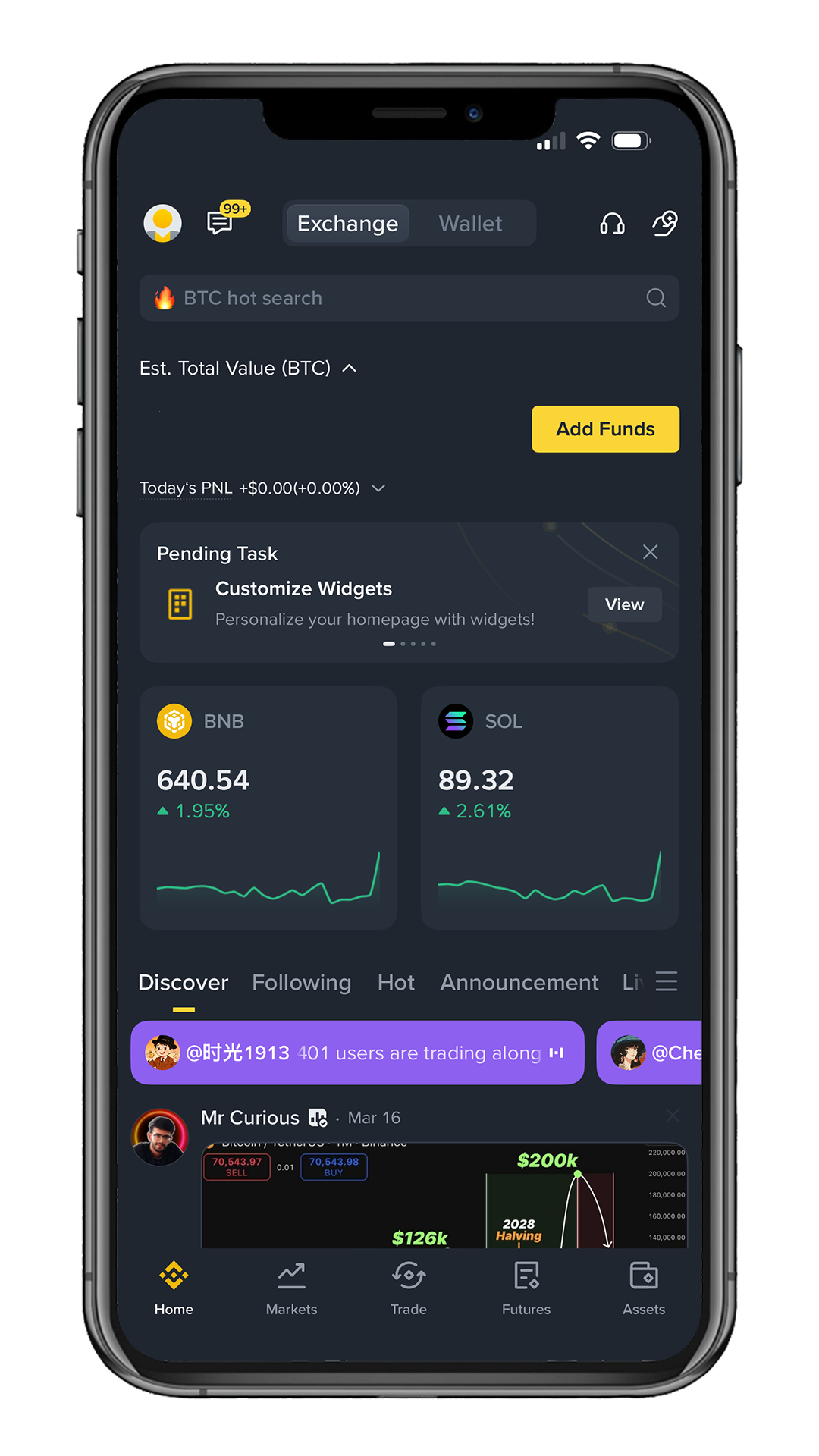
Welcome to Binance!
Your Binance account has been successfully created.
You can deposit and start trading after KYC.